 Khanta
Get the app
Khanta, right there on your home screen.
Install once. Open full screen, keep logging when your signal drops, and get back to the work of running your shop.
Open Khanta to installAndroid and iPhoneNo app store neededWorks offline
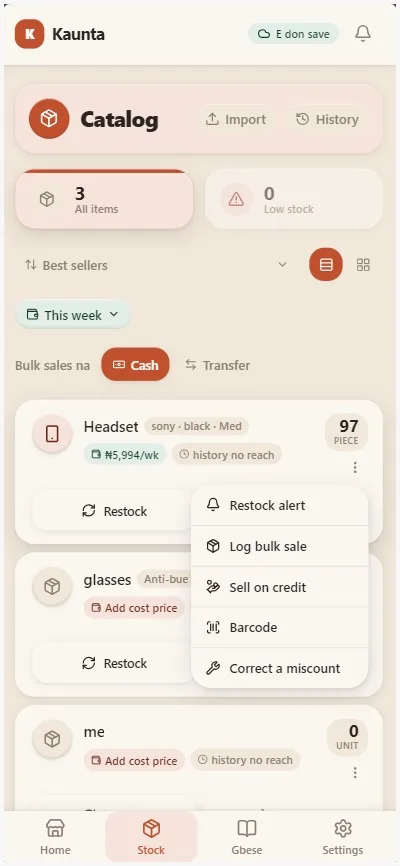
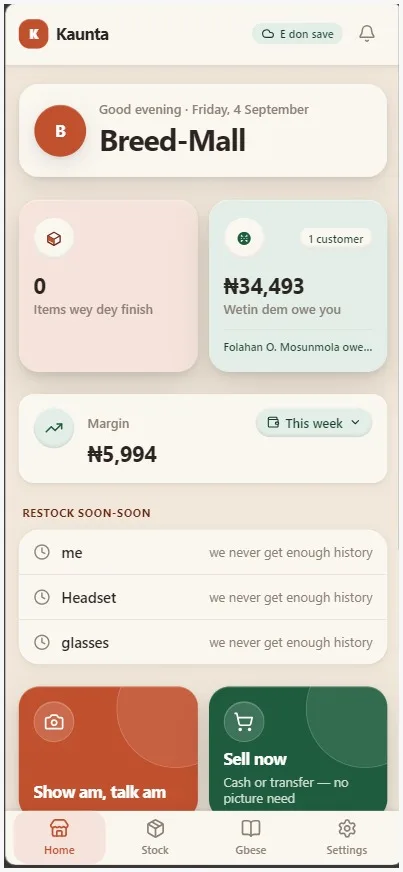
KHANTA / MOBILEBuilt for the shop floor.
Three quick steps
Make it feel like an app
Choose your phone below. The setup takes less than a minute and keeps Khanta one tap away.
iPhone
On iPhone (Safari only)
Chrome and other browsers on iPhone can't install it this way; this only works from Safari.
1
Open in Safari
Go to www.khanta.name.ng in Safari, not any other browser.
2
Tap Share
The square-with-an-arrow icon in the toolbar.
3
Add to Home Screen
Scroll down the share sheet, tap it, then tap Add.
Android
On Android (Chrome)
Chrome usually offers to install Khanta on its own; look for an install banner, or the install icon in the address bar, before following these steps.
1
Open in Chrome
Go to www.khanta.name.ng in Chrome.
2
Open the menu
Tap ⋮ in the top corner if no install banner appeared.
3
Install app
Choose "Install app" (or "Add to Home screen"), then confirm.